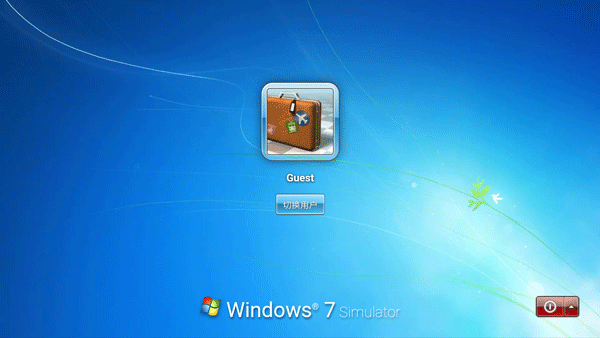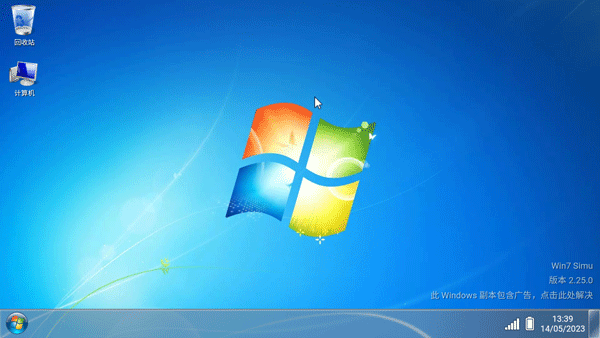
Win7 Simulator English Version, originally named Win7 Simu, is a powerful mobile tool that allows users to experience the Windows 7 operating system on their smartphones. It faithfully replicates the interface, functionalities, and full touch support of one of the most iconic OS versions. With a virtual Windows 7 desktop, users can install applications, manage files, and perform various tasks, transforming their phones into a compact computer for work, browsing, or gaming.
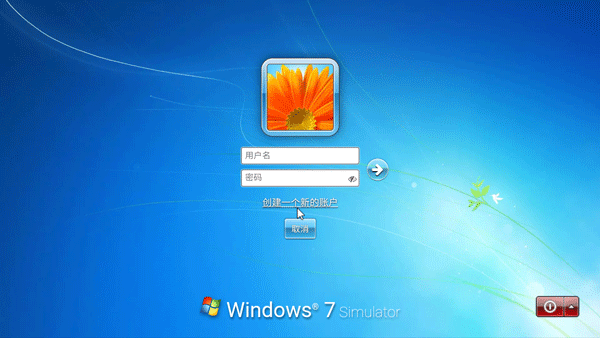
怀旧的Windows界面
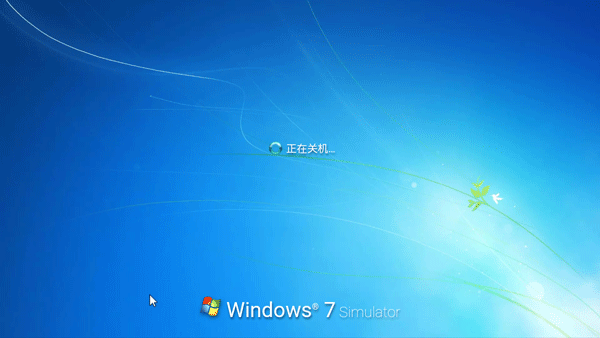
从徽标、启动动画、登录屏幕、桌面、任务栏、开始菜单到关机屏幕等。所有元素都忠实地再现了Windows 7的精美界面。
功能齐全的模拟程序
最知名的程序也经过模拟,功能齐全,供您使用。
主题和个性化
不仅是Windows 7,Windows 2000,Windows Vista,Windows 10,Windows 11,还有更多令人惊讶的主题供您体验,个性化您的桌面,甚至使用独家Theme Studio应用程序制作自己的主题。
下载好之后打开软件,等待系统加载。
加载完成之后就可以登录自己的账户,没有的可以创建一个。
登录完成之后就可以开始使用了。
点击左下角的菜单,选择浏览器打开。
接着打开百度进行搜索来下载即可。
打开菜单功能,点击control panel功能。
找到语言设置功能进入。
在语言栏中找到中文,点击ok。
最后选择重启软件即可调成中文。
操控自己的安卓手机中的应用和游戏,并且以win7界面显示;
各种不同的应用都会有完全不同的UI界面可以让玩家展现;
简单的操作能够让玩家们快速适应整个模拟化的操作过程。
v3.18.0版本
在Paint中添加了更多绘图形状
添加国际象棋泰坦
添加了删除广告的终身选项
为Chrome添加了增强功能
Additionally, the Win7 Simulator English Version includes nostalgic utilities like Calculator, Notepad, Internet Explorer, Media Player, and even a screenshot tool, offering a comprehensive experience for users. Those intrigued by this blend of nostalgia and functionality are encouraged to download and explore.